Own project: a library of Estonian-dubbed animated films · 2026
Resync: Estonian dubs on Blu-ray picture, frame-accurate
An automatic process that puts the audio from an old Estonian DVD copy under the Blu-ray picture, exactly in the right place. The result looks almost the same as the Blu-ray original, but the file is 13.7 times smaller.
Goal
Many animated films dubbed into Estonian only survive as old DVD copies: small picture, soft lines and often slightly sped up. The Blu-ray of the same film is 20–40 GB, but has no Estonian audio. Lining up the audio by hand takes hours per film and still drifts, because the versions differ in speed, framing and cut scenes. The goal was a fully automatic process: two files in, one file out, with the Blu-ray picture and the Estonian audio exactly in place. The picture had to look the same as the original to the eye, the file had to be many times smaller, and it all had to be fast enough to get through a whole shelf of films in one evening.
Results in numbers
What changed
18/18
films from the first queue finished automatically, with no manual fixes
≤1 ms
gap between audio and picture in the finished file, far too small to notice
97.5×
picture quality on a 100-point scale against the Blu-ray original (the DVD copy scores 37.5)
13.7×
smaller file than the Blu-ray (Cinderella: 31.7 GB → 2.32 GB)
24.5×
faster than the film itself: the picture of a 92-minute film is compressed in 3 min 46 s
The situation
The simplest idea would be to compare the audio of the two files. That doesn’t work, because one is in Estonian and the other in English. So the picture has to be compared instead. But the picture is very different in the two versions. The DVD is small (the Cinderella DVD copy is 656×496 pixels) and the Blu-ray is 1920×1080. One may be narrower and cropped, the other wider with black bars. The DVD may have subtitles burned into the picture, and a copy recorded from TV may have a channel logo and ad breaks. European DVDs often run 4.27% faster than the film did in cinemas, so the voices are a little higher too. Opening and closing credits are often different, or a scene is cut.
Once it’s clear which moment in one file matches which moment in the other, the audio has to be stretched so it stays in sync with the lips for the whole film. Then a 20+ GB picture has to become a file many times smaller, with no visible loss. And all of it without anyone watching a single film by hand.
Each problem below also says what did not work at first, and why. Most of the best solutions came straight out of failed attempts.
Constraints
- The audio can't be compared directly because the languages differ. The picture has to be matched instead.
- The versions differ in speed, picture size, framing and cut scenes, and copies recorded from TV also have ad breaks.
- A Blu-ray file is 20–40 GB. Going through the whole film at full size for every step would be far too slow.
- The result must be many times smaller, but look the same as the original to the eye.
- Everything has to run as a queue with no one stepping in, and pick up where it left off after an interruption.
Solution
How I solved it
Picture fingerprint
How do you compare two videos that differ in size, colour, framing and subtitles?
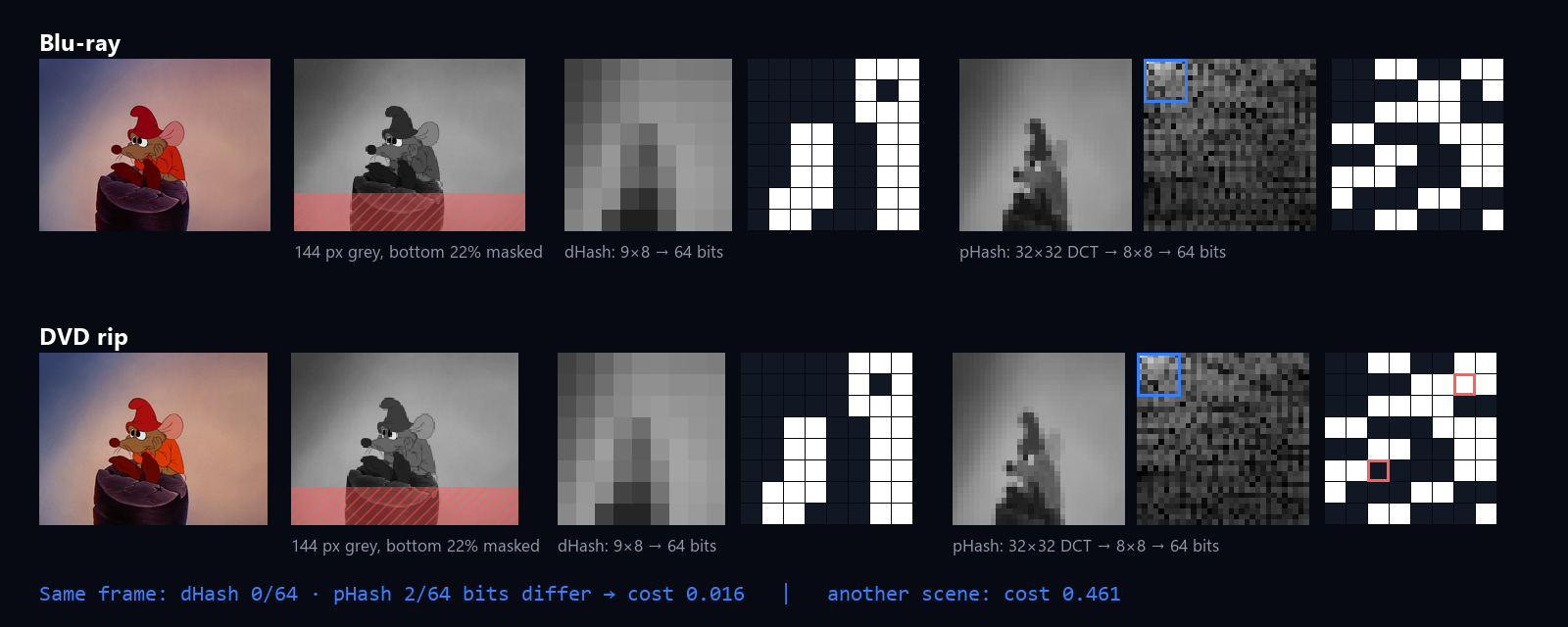
First, both files are measured: where the black bars are, what the true shape of the picture is, and how far the audio is ahead of or behind the video. Then both films are looked at 5 frames per second, as very small black-and-white pictures, using the graphics card. Each frame gets a short “fingerprint”: 128 bits describing the lighter and darker areas of the picture. The same scene gives almost the same fingerprint in both files, even when the colours and sharpness differ. The bottom of the frame is left out so subtitles and logos don’t get in the way.
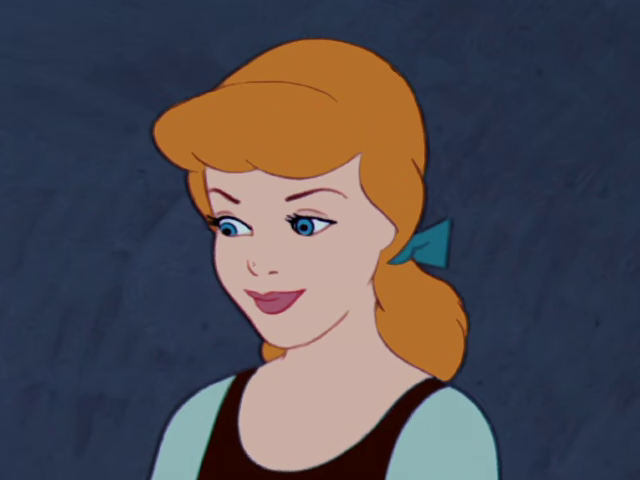
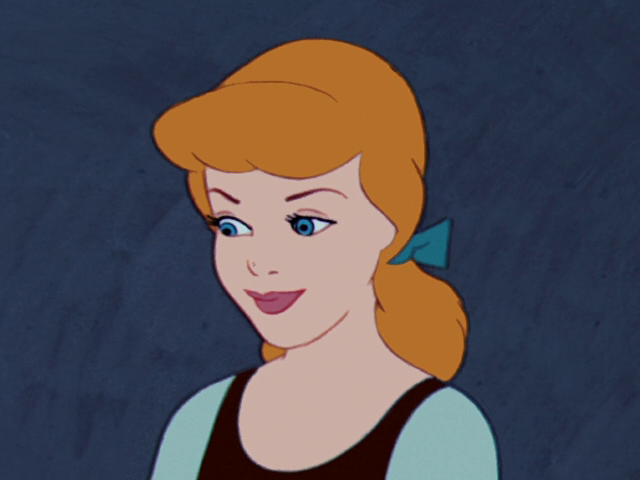
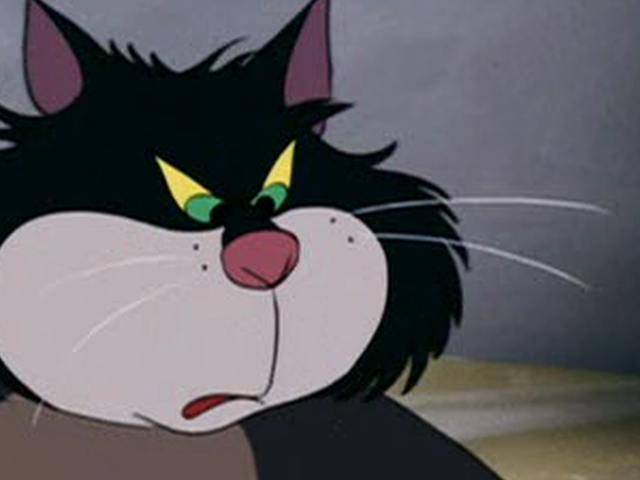
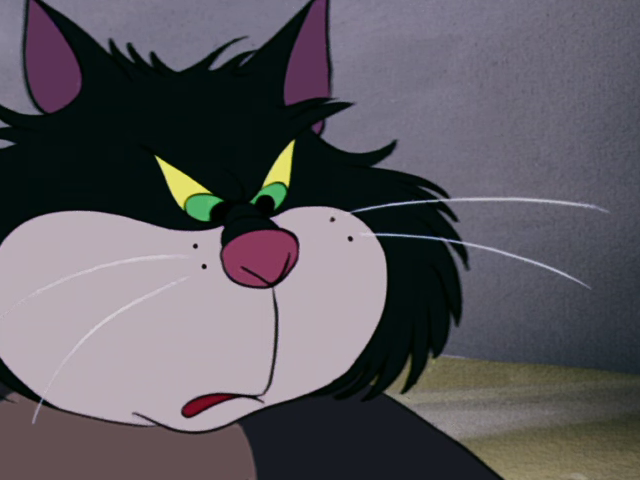
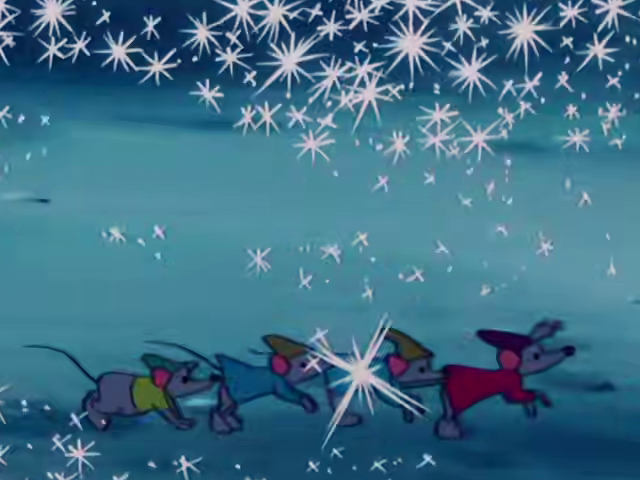
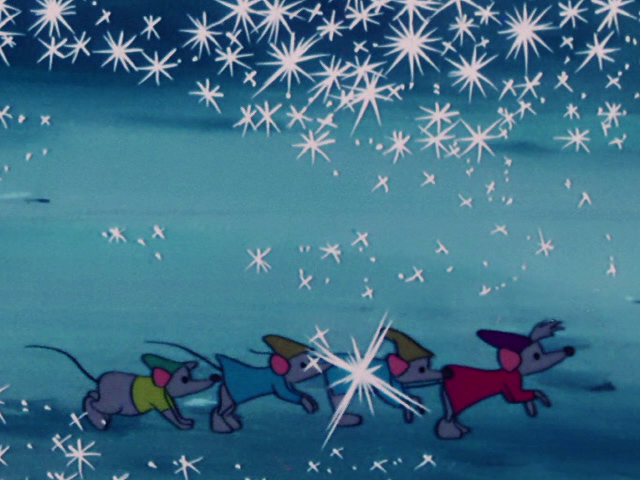
The picture below shows the same Cinderella frame from the DVD copy and the Blu-ray: only 2 of the 128 bits differ. With a completely different scene, almost half do. For framing, three versions are tried (full, wider and taller) so a narrower and a wider version can still find each other, and the one that gives the most certain matches wins.

Time map
How do you match every moment between the two versions when some scenes are missing, some are extra and the speed is different?
What didn’t work: the first version didn’t compare the pictures directly. It tried to guess the timing from where the scene changes were. In a film with about 800 cuts, it happened to find a wrong answer that fit slightly better than the right one, and the audio ended up tens to hundreds of seconds out of place. The right direction came from a simple script that searched the picture content directly. With fingerprints, it started working reliably.
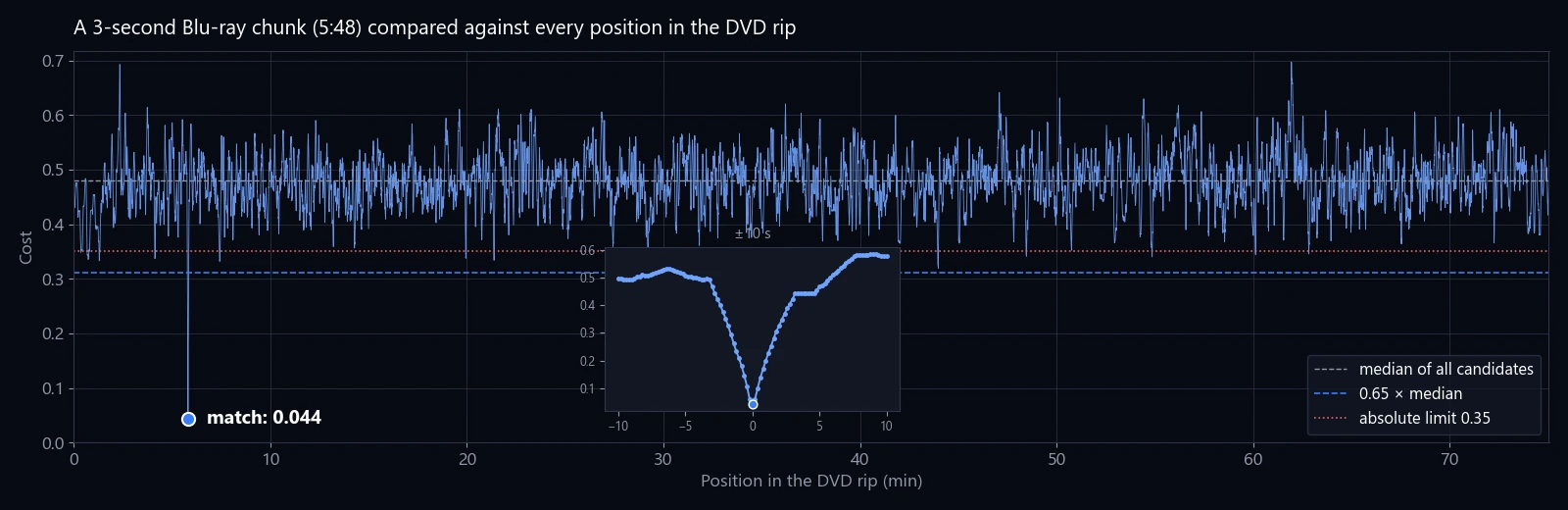
How it works now: every 8 seconds, a 3-second clip is taken from one file and searched for everywhere in the other. A match only counts as certain if it is clearly better than every other spot. The chart below shows a real search: a sharp dip at the right spot, much worse results everywhere else. Black frames are skipped, because a black picture matches everything.
Odd results are thrown out, and the rest are turned into a time map: which moment in one file matches which moment in the other. A speed difference simply shows up as a slope, and extra or missing scenes as separate sections. For Cinderella, 548 matches were found, all on one straight line: the audio had to be shifted by 0.24 seconds, and the extra material at the start and end of the DVD was set aside.



Ad breaks
A copy recorded from TV has ad breaks whose picture matches nothing. How do you find exactly where the film picks up again?
What didn’t work: searching by picture. Around a break, both sides of the “hole” often showed the same shot, just cropped a little differently, so the picture couldn’t say where to cut. The error was up to 12 seconds.
What works: the audio, used cleverly. If you subtract the right stereo channel from the left, dialogue placed in the centre almost disappears, leaving the music and sound effects. Those are the same in both language versions. The resulting loudness curves of both files are compared, and the cut goes where they line up best. All three breaks in the same film were placed within 0.11 seconds. If the audio gives no clear answer, the picture is tried, and if that doesn’t help either, nothing is cut.


Frame accuracy
5 frames per second means the timing can be up to 0.2 seconds off. You can clearly see that on lips. How do you get to exact-frame accuracy without going through the whole film at full speed?
Fine-tuning happens in two steps. First, scene changes are found in both files and paired up. Then up to 16 of the clearest cuts are chosen, about one every 5 minutes, and only the frames around them are checked again at full frame rate. The exact cut frame is found in both files and the time map is corrected to match. That brings accuracy to about 0.04 seconds, below what the eye can notice, while only a few seconds of the film are looked at again.
Audio
How do you stretch the Estonian audio so it stays in sync for the whole film, voices sound right and there are no clicks where pieces join?
Small stretches (up to 6%) are done so the pitch changes together with the speed. For a sped-up DVD that’s exactly right: speeding up raised the voices, so slowing down gives them back their natural pitch. The calculation is so precise that even over a section longer than an hour, the drift stays under 0.006 seconds. Bigger stretches use a tool that keeps the pitch the same.
What didn’t work, part 1: joining pieces with a smooth fade. Each join made the audio a little shorter, and over hundreds of pieces that added up to seconds of drift. Now pieces are joined so that only the volume changes, never the length, and the timeline stays exact.
Part 2: one film started with 11 seconds of Estonian audio that had no certain match. The first version stretched it to 13.4 seconds and it sounded “under water”. Now an opening like that plays at normal speed and ends exactly at the first certain match.
Part 3: silence where there’s no Estonian audio. A few seconds of silence sounded like a broken file. Those spots are now filled with the original film’s audio at the same volume: a few seconds of the original language feels like an untranslated moment, while silence feels like a fault.
Picture compression
How do you turn a 20+ GB Blu-ray picture into a file many times smaller with no visible loss, and do it fast?
The picture is compressed with the newer AV1 format, which gives the same quality in a much smaller file. The process works out by itself which hardware on the computer does this fastest, starting with the graphics card. It actually tries it by compressing five frames, because software often claims to support something the hardware can’t really do.
What didn’t work: choosing the file size from the film’s title. One version guessed from the name that it was a classic cartoon and gave it too little room. Now the file size depends only on the picture size and frame rate, aiming to keep quality clearly above the visible limit.
Newer NVIDIA cards have two compression engines (NVENC), so the film is split into two halves that are compressed at the same time. Compressing a 92-minute film went from about 5 minutes to 3 minutes 46 seconds.
After compressing, quality is measured with VMAF. It’s a measure made by Netflix on a 100-point scale, where anything over 90 is hard to tell from the original by eye. That didn’t work at first either: the checker compared frames with their neighbours and gave a file worth about 96 a score anywhere from 13 to 86. Now it compares exactly the same frames.
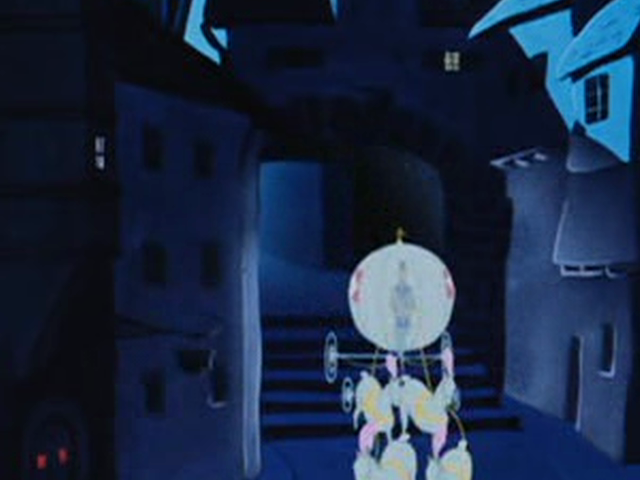
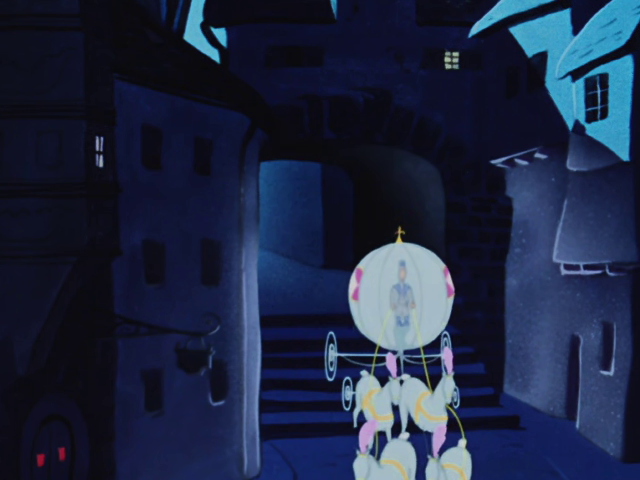
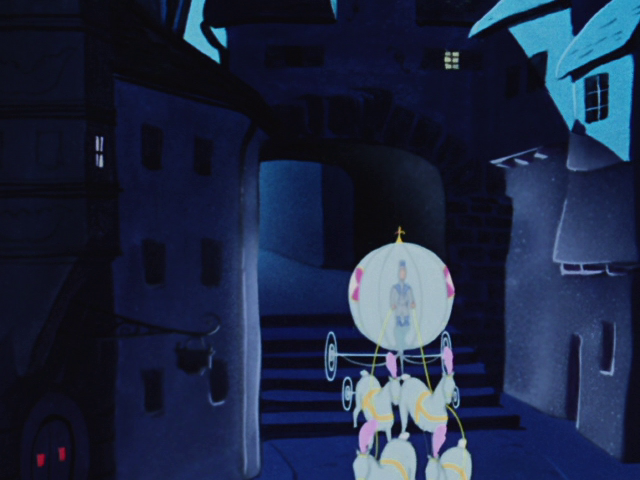
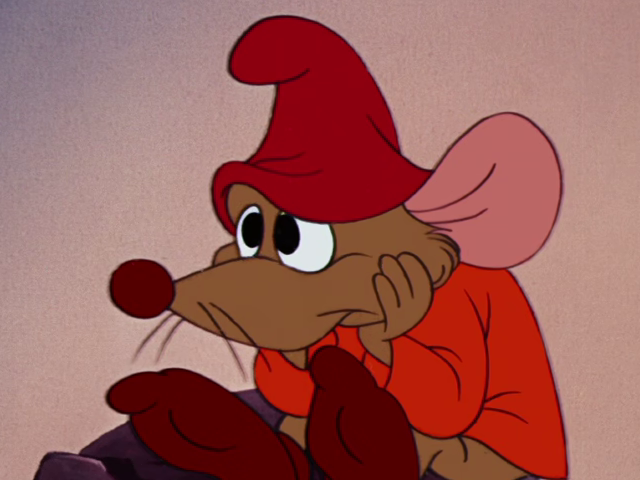
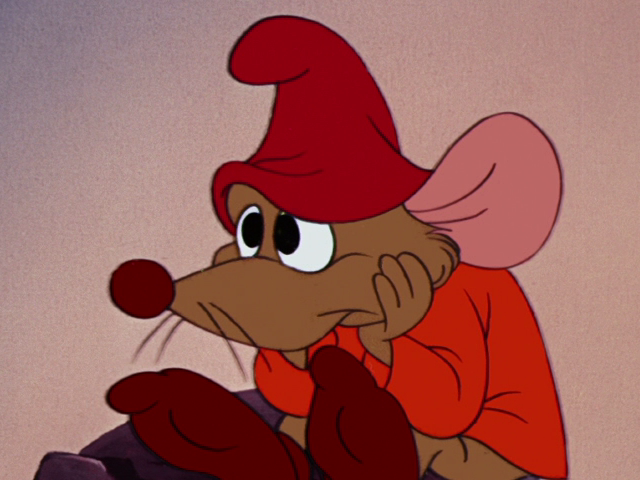
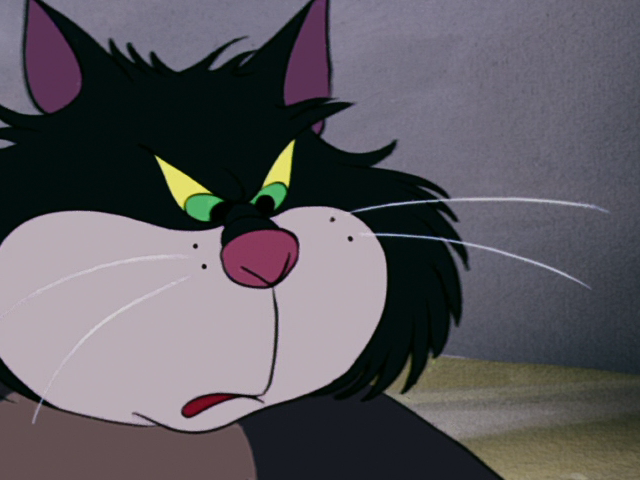
Below, using Cinderella: the same area from all three files at Blu-ray pixel size. The DVD copy is enlarged to 1080p the way a TV would show it. Across the whole film, the result scores VMAF 97.5 (weakest spot 95.4) and the DVD copy 37.5. The file is 2.32 GB, 13.7 times smaller than the 31.7 GB Blu-ray. It is bigger than the 734 MB DVD copy, but you can see the difference in the picture without measuring anything.
Quality measurement
How do you know the result is really better than the DVD copy, and which of many sources is the best?
To compare two different releases, I built a measurement that first lines up the timelines and the picture shape, and finds the best-matching frame for each section. That way a small timing shift isn’t counted as lost quality. Reshaping the picture itself costs a few points, so the result is more likely to be too low than too high.
So the whole collection wouldn’t have to be compressed just for this, I trained a machine learning model that estimates quality without the original, using only data from the file itself. The model learned from 1,224 examples: Blu-ray clips compressed with different settings. I made sure the model couldn’t just learn to recognise the films. Each film’s estimate comes from 12 short samples, without unpacking the picture. 635 films were rated this way.

Speed
How do you measure speed so you don't improve the wrong thing?
Every speed-up goes through the same check: the old and new code run on the same film, and all the in-between results and the final audio file must be identical, bit for bit. Only then does speed count.
The most useful mistake: one speed-up looked useless in the measurements, so I deleted it. In fact it had never run: a small bug produced twice as many frames, a check failed, and the code quietly fell back to the old slow way. So I had measured the same thing six times. After the fix, that step got 1.6 times faster. Now a fallback like that announces itself loudly.
The biggest win was hiding in one setting. The last step took 69% of the total time. Taking it apart showed the culprit was the Blu-ray’s original audio track, which split into millions of tiny pieces in the file. Leaving it out made that step 6.4 times faster and the file 6.1 GB smaller.
Also measured: running on the processor is 4.7 times slower than on the graphics card, so moving work there is not the answer.
Automation
How do you leave the queue running all night and be sure in the morning that everything went well?
The result of every step is saved, so if you change, say, only the audio settings, the whole film doesn’t have to be gone through again. Before starting, the queue checks that every file exists. It works on two films at a time, each film has its own log, and the queue’s progress is saved in a way that an interruption can’t damage. After each film, the gap between audio and picture is measured again.
What didn’t work: letting the tool decide which file’s picture to keep. “More pixels wins” sounded sensible, but once it picked a visibly worse picture that was simply bigger. Now a person chooses the picture file, and everything else is still found automatically.
Result
The first queue held 18 films. All 18 were finished automatically, each in 3–9 minutes (typically about 4 min 43 s), including compressing the picture, two films at a time. The gap between audio and picture in the finished files was at most 1 millisecond on every one.
Taking Cinderella (1950) as an example: the Blu-ray is 31.7 GB and the Estonian DVD copy 734 MB. The result is a 2.32 GB file with the Blu-ray picture and Estonian audio. Its picture quality against the Blu-ray is 97.5 out of 100 (weakest spot 95.4), while the DVD copy scores 37.5.
What's next
Next, I’ll use the quality estimator to choose sources automatically: when there are several versions of the same film, the process picks the best picture and the best Estonian audio itself and builds the queue without manual pairing.